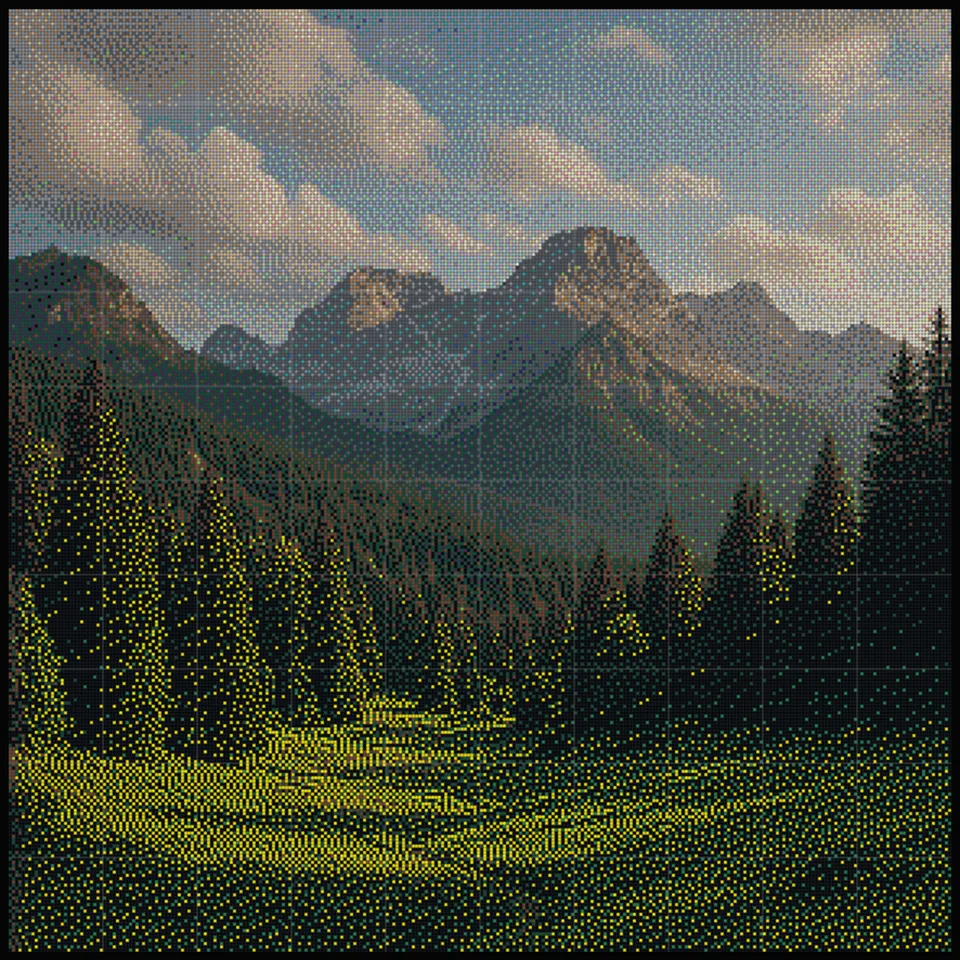
Alpine morning
BeadForge starter
Convert any photo, drawing, logo, or pixel art into a printable fuse bead pattern. Start with the free no-signup generator, then use a free maker account to save projects, publish creations, track starter inventory, and build your profile.

Upload a picture and BeadForge converts it into a fuse bead grid instantly — no graph paper, no counting pixels by hand, no spreadsheet math.

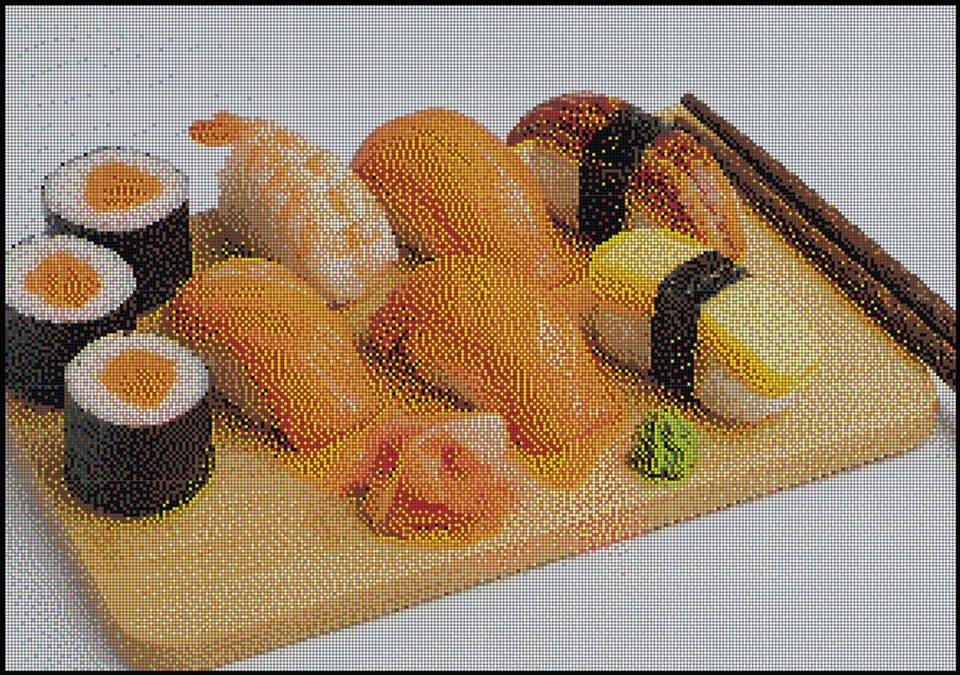
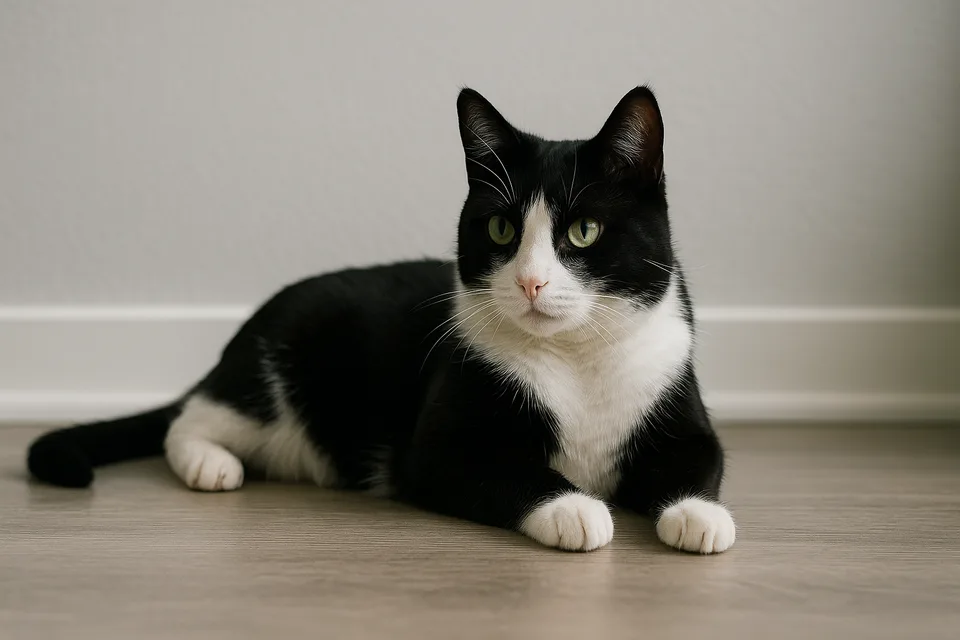
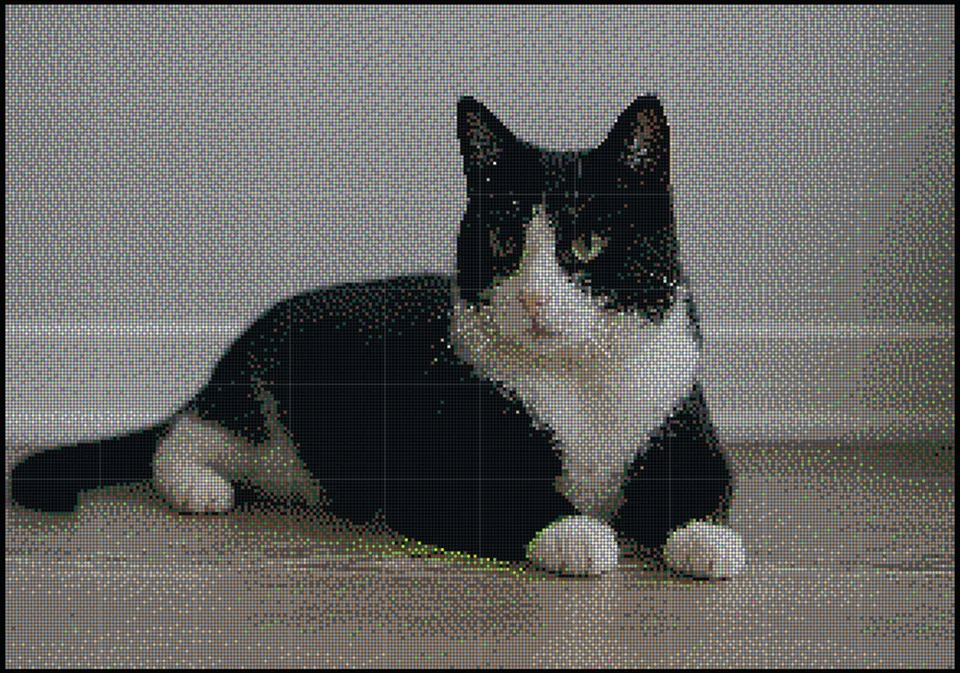
Every pattern comes with pegboard sizing, a color legend, and per-color bead counts. Want to see the full workflow first? Read our guide on how to turn a photo into a Perler bead pattern.
The no-account generator stays free. Sign up when you want cloud projects, a maker profile, starter inventory, likes, publishing, and a feed built around finished bead art.
Alpine morning
BeadForge starter
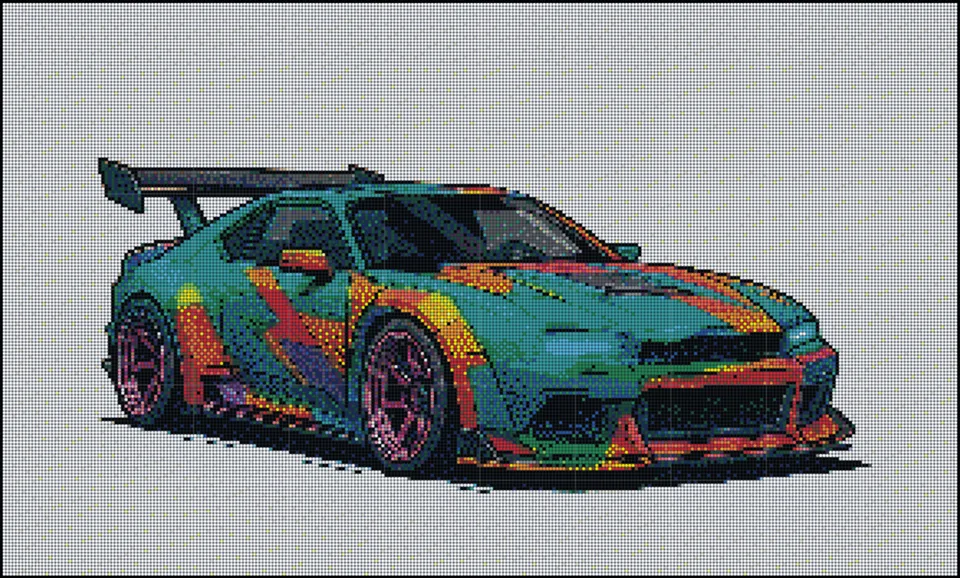
Retro coupe
BeadForge starter
Sushi platter
BeadForge starter
Sleepy cat
BeadForge starter
Make a pattern without signing in, then create a free account when you want to keep it, share it, or build a public maker profile.
BeadForge is still a useful free tool before signup. A free maker account adds the pieces that make it feel like your own workspace.
The free account tier is intentionally generous.
No-account tool
Fast private creation
Free Maker account
Saves, sharing, profile, inventory
Premium plan soon
More storage and workflow limits
Free Maker accounts include cloud projects, 100 MB of storage, a public profile, community publishing, likes, favorites, remix attribution, achievements, and starter bead inventory.
From image to finished pegboard plan in four steps. BeadForge handles the grid math, color matching, and bead counting so you can focus on making.
Drop in a PNG, JPG, or WEBP — a photo, drawing, logo, or pixel art. Conversion happens on your device. Cloud saving and publishing are optional actions that upload the relevant files.
Pick how many 29×29 pegboards the design should span, set the fit, and fine-tune brightness, contrast, saturation, and dithering with a live preview.
Choose Perler, Hama, Artkal, or Nabbi. BeadForge matches each peg to that brand’s catalog, then remaps around any colors missing from your stash.
Download a print-ready blueprint with a cover preview, a bead shopping list with exact counts, and one labeled page per pegboard.
A focused pattern maker built for crafters, classrooms, pixel artists, and gift makers.
Convert any photo, drawing, or logo into a bead-ready grid in seconds, with live preview while you tweak the settings.
Export a clean pattern PDF with a cover image, color legend, and a page per pegboard — ready for the craft table or classroom.
Exact per-color bead counts for every pattern, so you know what to buy or pull from your stash before you start.
Size designs across multiple 29×29 pegboards. Multi-board projects print one labeled board per page so nothing gets lost.
Choose from 424 approximate color references across four brand catalogs, with dithering and toggles that keep output inside your actual stash.
Build board by board on a phone or tablet, mark beads as placed, and continue later with progress saved in your browser.
Convert images locally without signing up or waiting on a server. Free accounts add optional cloud saving and sharing on phones, tablets, and computers.
Both paths end the same way: a printable pattern with a page per pegboard and exact bead counts.
Upload a picture and watch it become a bead pattern in real time. Adjust boards, brightness, contrast, saturation, and dithering — remove the background with one toggle — then print your pattern.
A virtual pegboard designer for original patterns and bead sprites. Choose your board layout, then paint beads with click-and-drag tools — brush, eraser, fill bucket, eyedropper — with undo, zoom, and autosave.
BeadForge is used by parents, teachers, pixel artists, and crafters for everything from rainy-day projects to commissioned portraits.
Turn a favorite drawing or photo into a simple pattern kids can follow bead by bead.
Print a class set of patterns with bead counts so prep takes minutes instead of hours.
Make magnets, coasters, and keychains from photos that actually mean something.
Keep a crisp 1:1 pixel-to-bead grid for sprites and original pixel art designs.
Multi-board portraits of people and pets with the background removed in one tap.
Plan big statement pieces board by board, with a printed page for each pegboard.
Converting an image into a bead pattern by hand means printing a photo, squinting at pixels, sketching a grid on graph paper, and guessing which of your bead colors is “close enough” — then discovering halfway through that you’re 400 red beads short.
A pattern generator does that work in seconds, and does it accurately. BeadForge measures the real color distance between every pixel and every bead color, keeps the grid perfectly aligned to 29×29 pegboards, and counts every single bead before you place the first one.
You still make all the creative decisions — the image, the size, the palette, the crop. BeadForge just removes the tedious math between your idea and your pegboard.
Every peg maps to the mathematically closest bead color — no more eyeballing shades under craft-room lighting.
Patterns align exactly to standard 29×29 boards, whether your design spans one board or a 6×6 wall piece.
Exact per-color totals mean you can shop once, not three times.
Your pattern is a PDF. Lose a page, start over, or run a classroom set — just print again.
BeadForge patterns are standard 5 mm midi fuse bead grids, so they work with the pegboards and beads most crafters already own.
Not sure which beads to buy? Our comparison of Perler vs Hama vs Artkal beads covers sizes, colors, and melting behavior. BeadForge is an independent tool and isn’t affiliated with any bead brand.
Learn the full craft: make cleaner patterns, choose and fuse beads, plan large projects, sell original art, and price commissions for real profit.
Open the BeadForge generator, upload your photo, and choose how many pegboards you want the design to span. BeadForge maps every pixel to the closest fuse bead color and shows a live preview. Adjust brightness, contrast, or the background, then export a printable PDF with the full pattern and bead counts.
Yes. Every pattern exports as a print-ready PDF blueprint with a cover preview, a color legend with bead counts, and one labeled page per pegboard so large designs stay easy to follow.
Yes. BeadForge counts every bead in your pattern and lists exact totals per color, so you can check your stash or make a shopping list before you start placing beads.
Yes. Choose a separate Perler Midi, Hama Midi, Artkal S 5 mm, or Nabbi catalog, then toggle off colors you do not own. BeadForge remaps the pattern to the closest active references in that brand.
Images with a clear subject, strong contrast, and a simple background convert best. Logos, pixel art, cartoons, and close-up photos work great. Busy backgrounds and fine detail get lost at bead scale — our image guide covers easy fixes.
Yes. The core BeadForge pattern maker and Studio remain free with no account required. A free maker account adds cloud projects, a public profile, community sharing, likes, and starter inventory tools. A future premium plan will add higher storage and heavier workflow limits.
The generator processes photos locally in your browser. They do not leave your device unless you explicitly choose to save or share a creation from an account, in which case BeadForge uploads only the files you approve.
A single 29×29 pegboard is great for beginners, sprites, and small motifs. Portraits and detailed photos usually need at least 2×2 boards (58×58 beads) to stay recognizable. BeadForge previews any size live, so you can compare before committing.
No. BeadForge is an independent tool made by Eleven North. Brand names like Perler, Hama, Artkal, and Nabbi are only used to describe the types of fuse beads our patterns work with.
Start with the no-signup generator, then create a free maker account when you want cloud saves, community sharing, starter inventory, and a profile for your bead art.